Captured at the counter, defensible at corporate.
The employee who performs the grind records the source, weights, and sanitation while the material is still in front of them. Corporate sees every store from one dashboard.
Recall-ready grind logging for multi-store meat departments

GrindLogic is grind log software that turns the FSIS-required record into recall-ready traceability. When a recall hits, trace every affected lot, packer, primal, and USDA establishment across every store at once, and the same log shows yield and shrink chain-wide.
FSIS rule
field for field
Recall
lot trace
Multi-store
corporate view
Audit record packet
Riverside, morning shift
Input
528.4 lb
Output
501.6 lb
Yield
94.9%
Sanitized
Yes
From logbook to recall-ready in one search.
Where the meat is
The employee who performs the grind records the source, weights, and sanitation while the material is still in front of them. Corporate sees every store from one dashboard.
Search every grind record across every store by lot, packer, primal, or USDA establishment, then flag the affected records with a who-and-when trail.
CSV and PDF exports are formatted to the rule's required fields, so management and audit review can start from the same record.
Department workflow
GrindLogic keeps the daily workflow simple for counter staff, while preserving the detail managers need for review, reporting, and traceability.
01 / STEP
Load stores, grinders, packers, establishments, primals, lot numbers, products, PLUs, employee names, and cost per pound.
02 / STEP
Record source materials, establishment IDs, lot numbers, weights, production output, employee, shift, time, and sanitation status.
03 / STEP
Move records from draft to submitted to recorded. Locked records keep their source attachments and review trail.
04 / STEP
Search by lot, packer, primal, or establishment, then export USDA/FSIS CSV and audit-ready PDF packets when needed.
Live operations
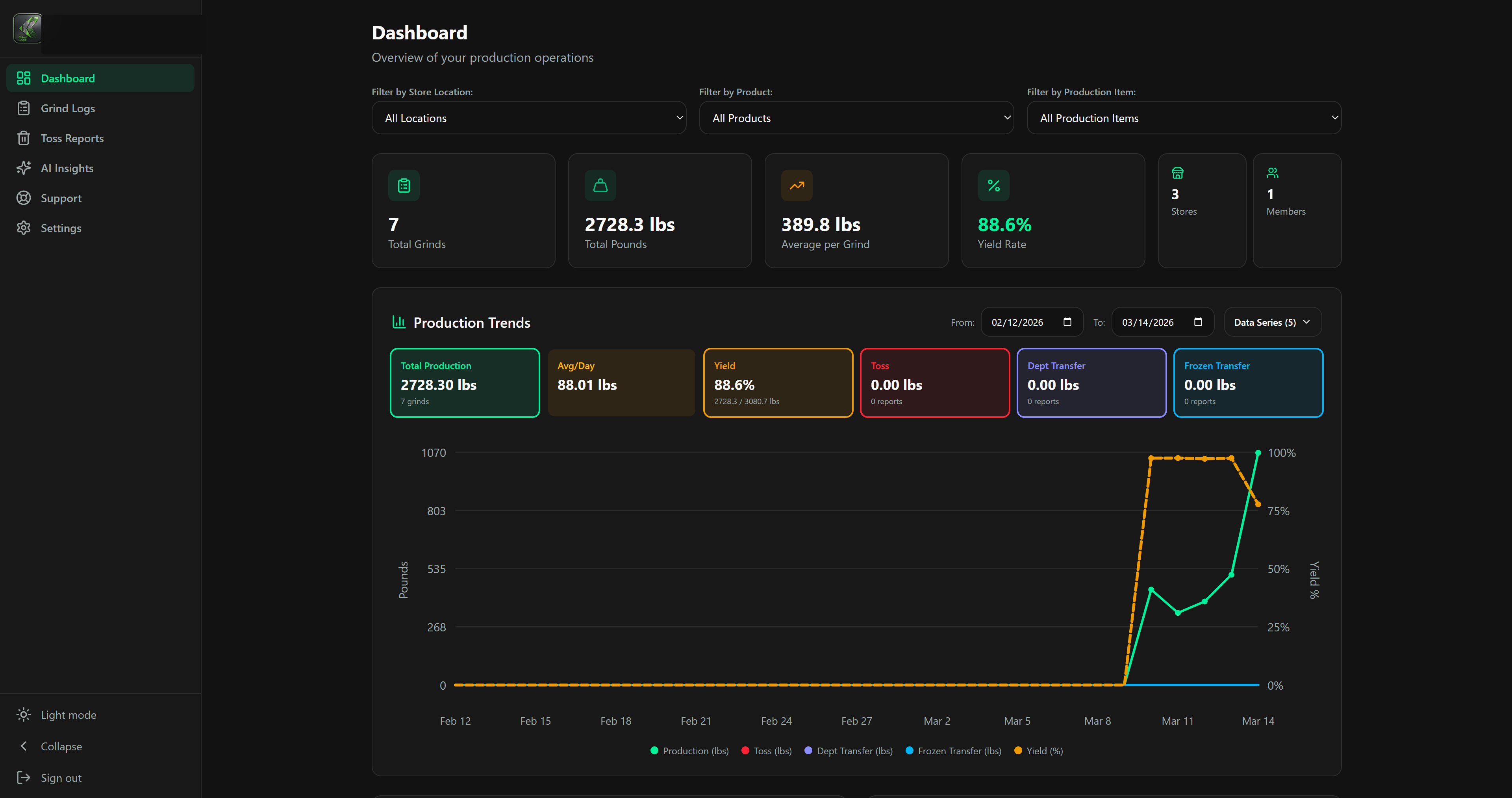
Leaders can filter by store, product type, production item, and date range. The chart separates production pounds, toss pounds, department transfers, frozen transfers, and yield percentage so patterns are visible before inspection day.
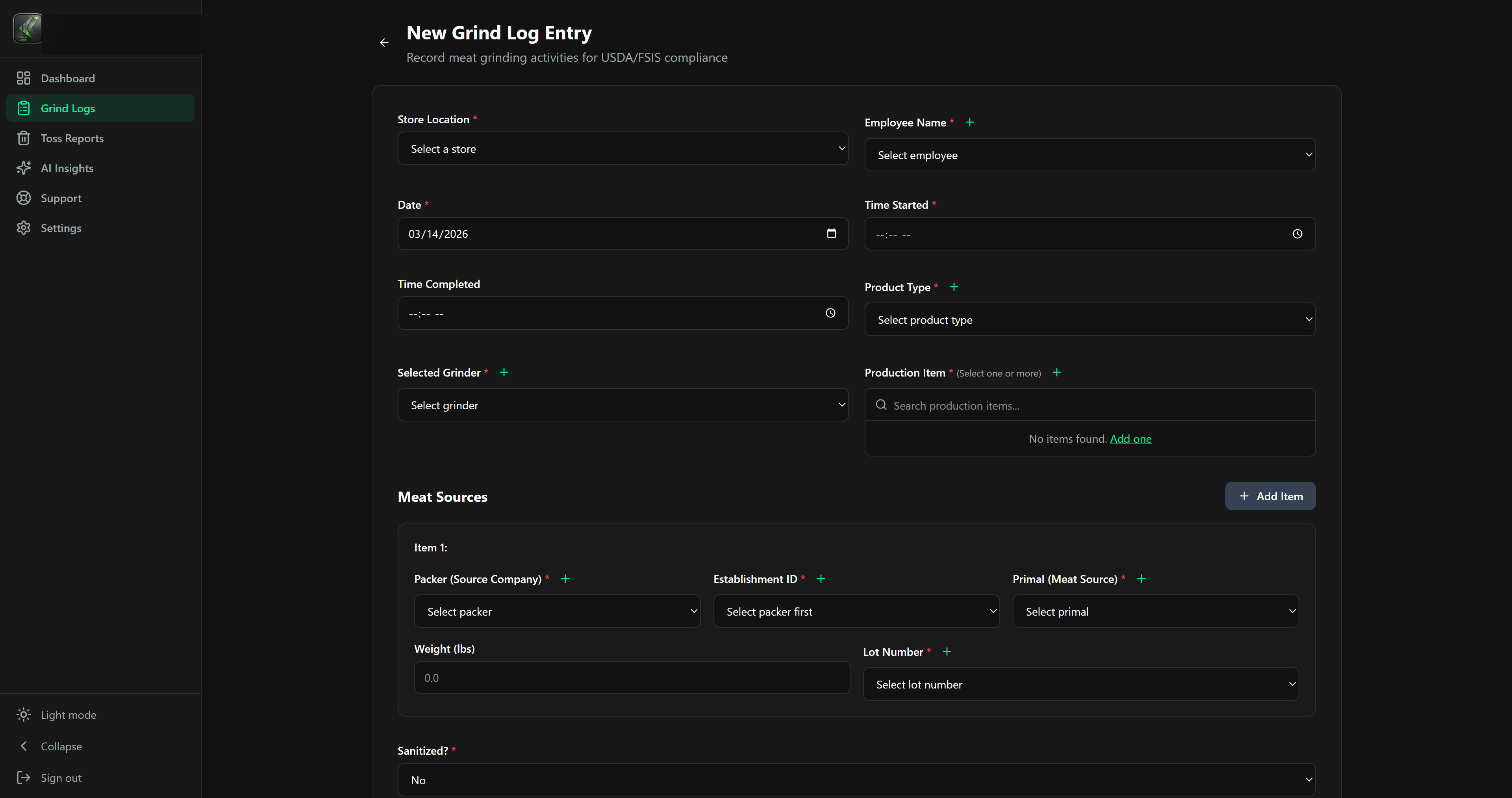
Point of work
Teams record store, employee, timing, grinder, source company, establishment, primal, lot number, source weight, finished product, PLU, production weight, sanitation, and notes from one screen.
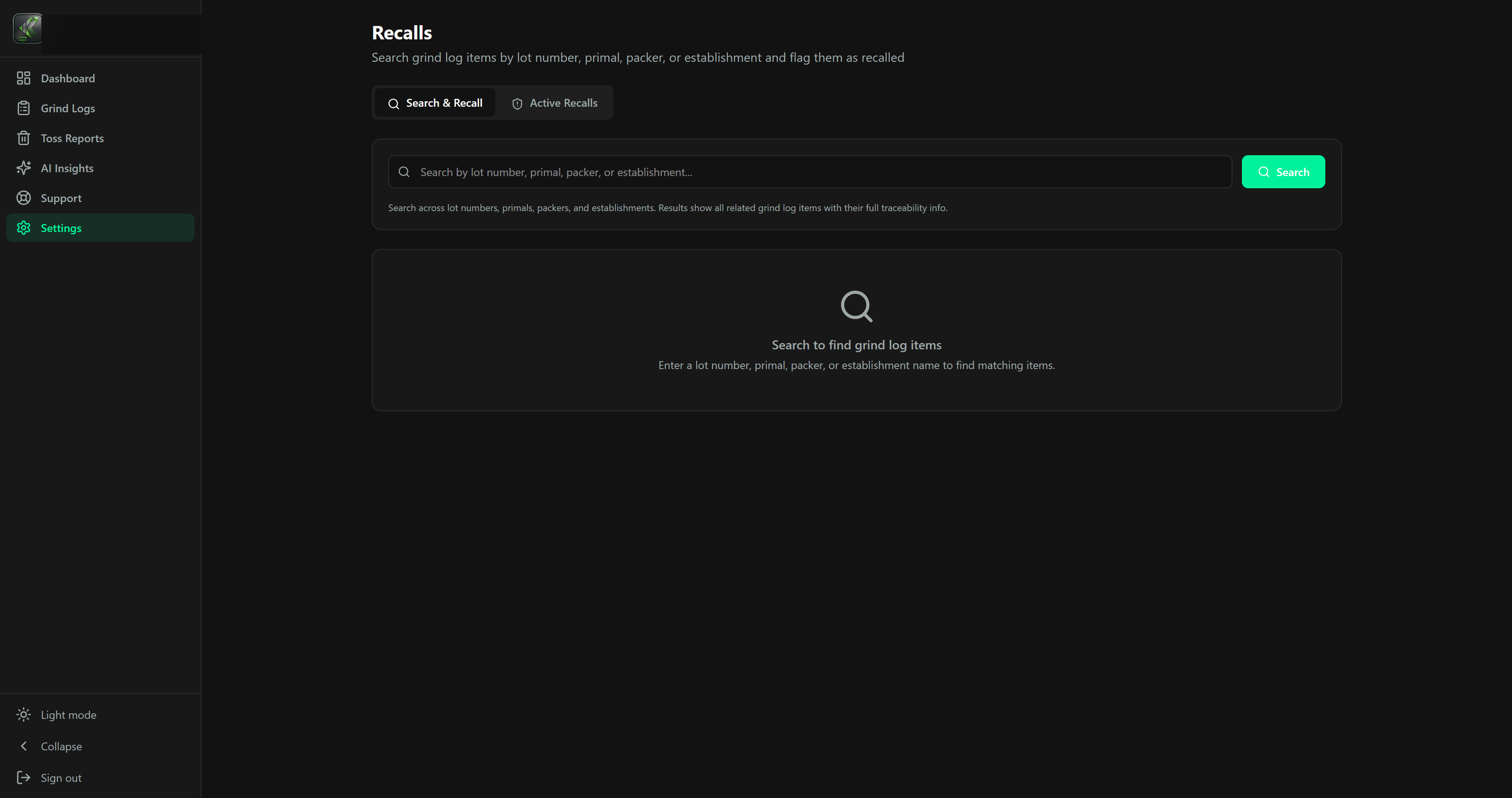
Trace review
A recall notice lands and the phone starts ringing. GrindLogic searches every grind record across every store by lot, packer, primal, or USDA establishment, flags the affected records with a who-and-when trail, and shows the active recalls in one view.
Built to the rule
The grind form captures every element of 9 CFR 320.1(b)(4), kept for a year, with audit-ready CSV and PDF exports formatted to the rule's required fields, ready before the inspector asks. Built to the rule, for the stores that still grind raw beef in house.
Replace binders and loose forms with searchable records built around the FSIS 9 CFR 320.1(b)(4) grind-log fields.
Find every grind that touched a supplier lot, establishment, packer, or primal, then flag items for review.
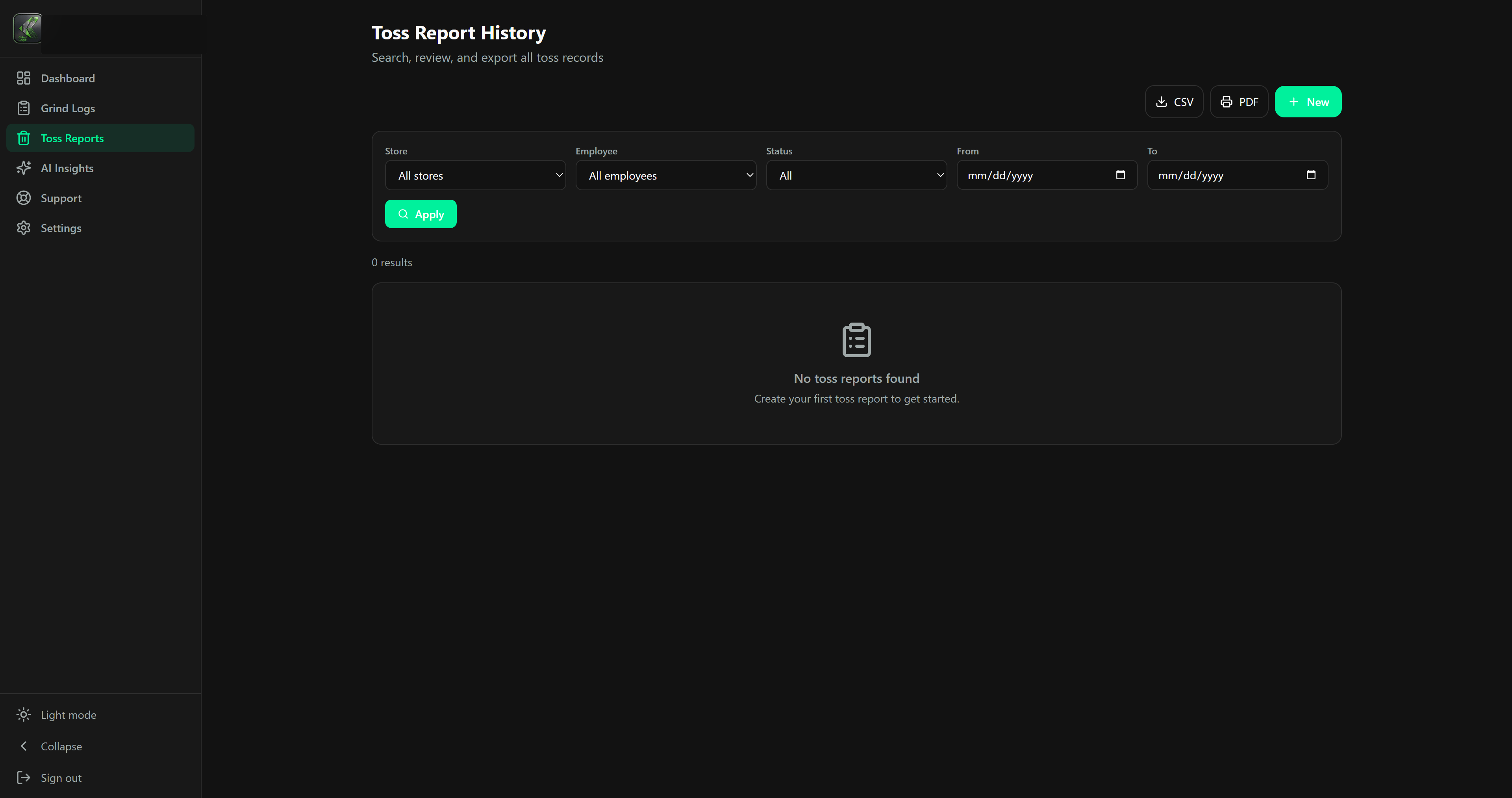
Track toss, department transfer, frozen transfer, weight, reason, notes, and estimated waste cost.
Compare total grinds, pounds, yield, toss, transfers, and waste cost across dates, stores, and products.
Active recall review checks normalized establishment and lot values against your grind history.
Assign roles, store access, member permissions, subscriptions, and reports without exposing every setting to every user.
Record contents
Every saved grind becomes more than a row in a table. It becomes a packet that connects who did the work, what source material was used, what finished product was made, and whether the department can prove the record later.
Export paths
Print record detail pages for physical binders when a store still needs paper backup.
Download filtered CSV history for management review, accounting, or operational analysis.
Generate a landscape raw beef and veal grinding record with source materials and totals.
Protect submitted records and attachments once the workflow reaches final review.
The log that pays for itself
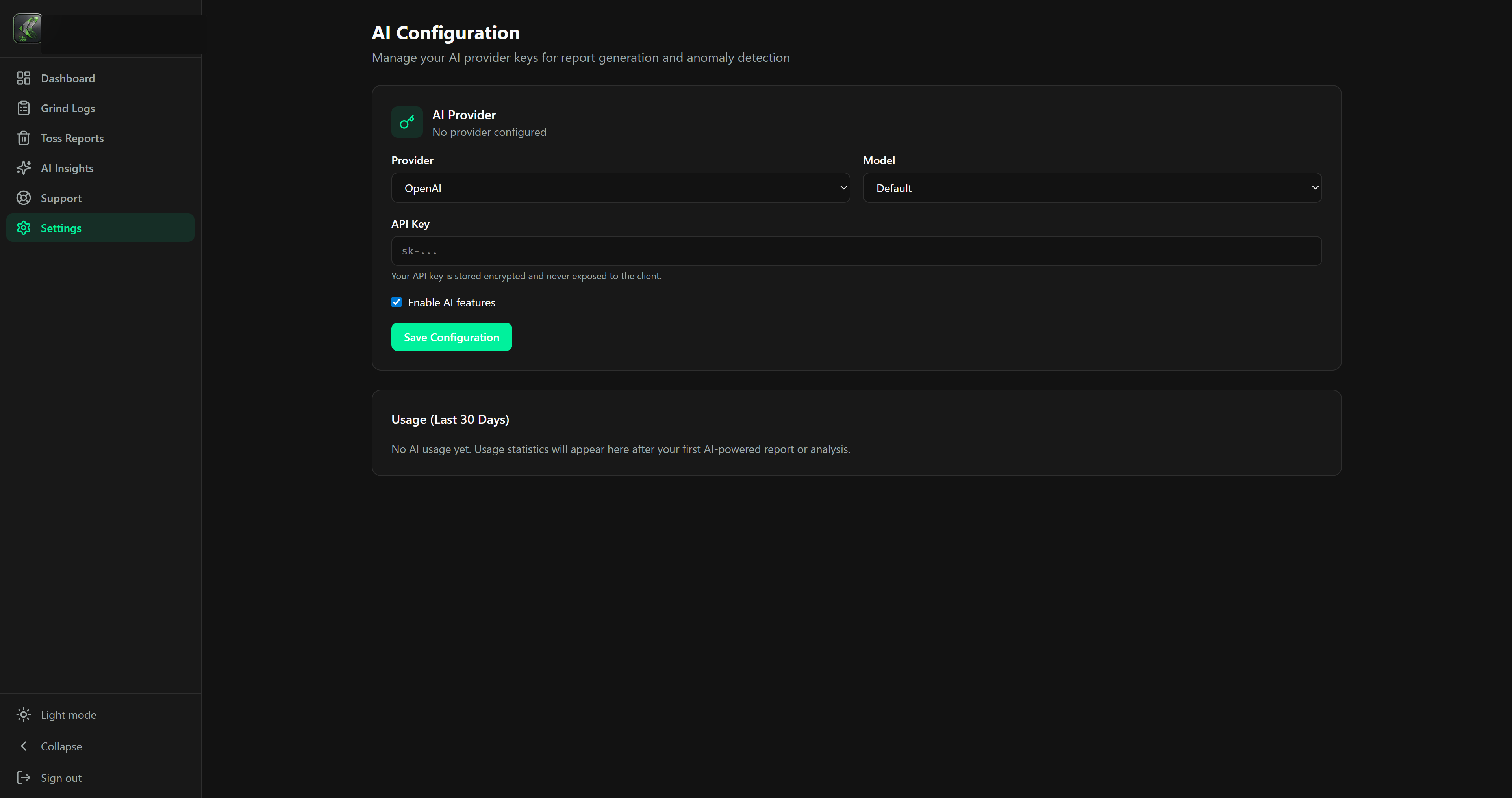
The same records that keep you recall-ready show yield and shrink by store, side by side, so corporate can see which locations lose margin and standardize the ones that do not. Insight reports run on your own key, drawn from your own records. It is reporting, not a chatbot.
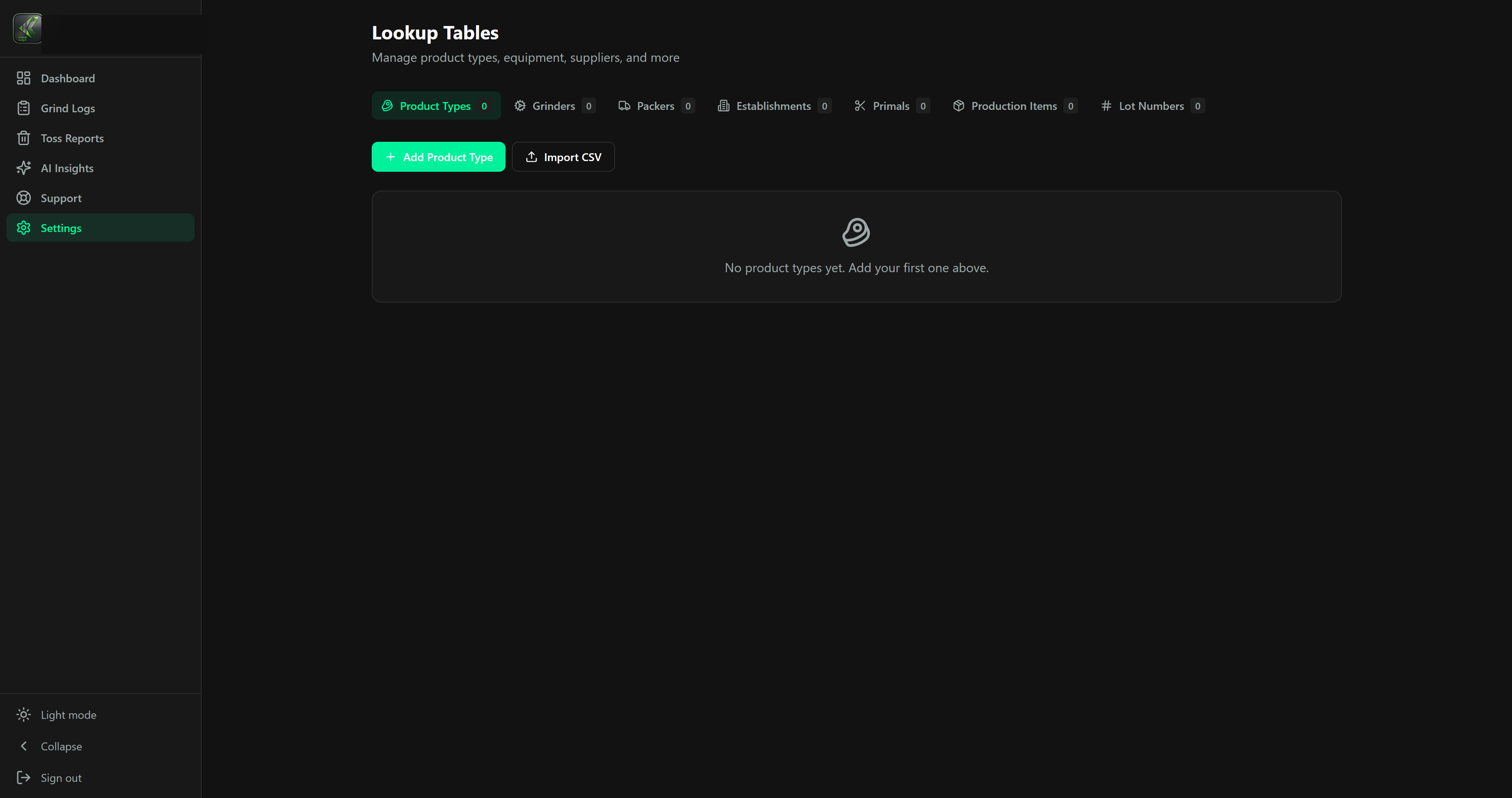
Keep products, grinders, packers, establishments, primals, PLUs, and lots standardized across stores.
Manage store details, active status, assigned members, and subscription location limits.
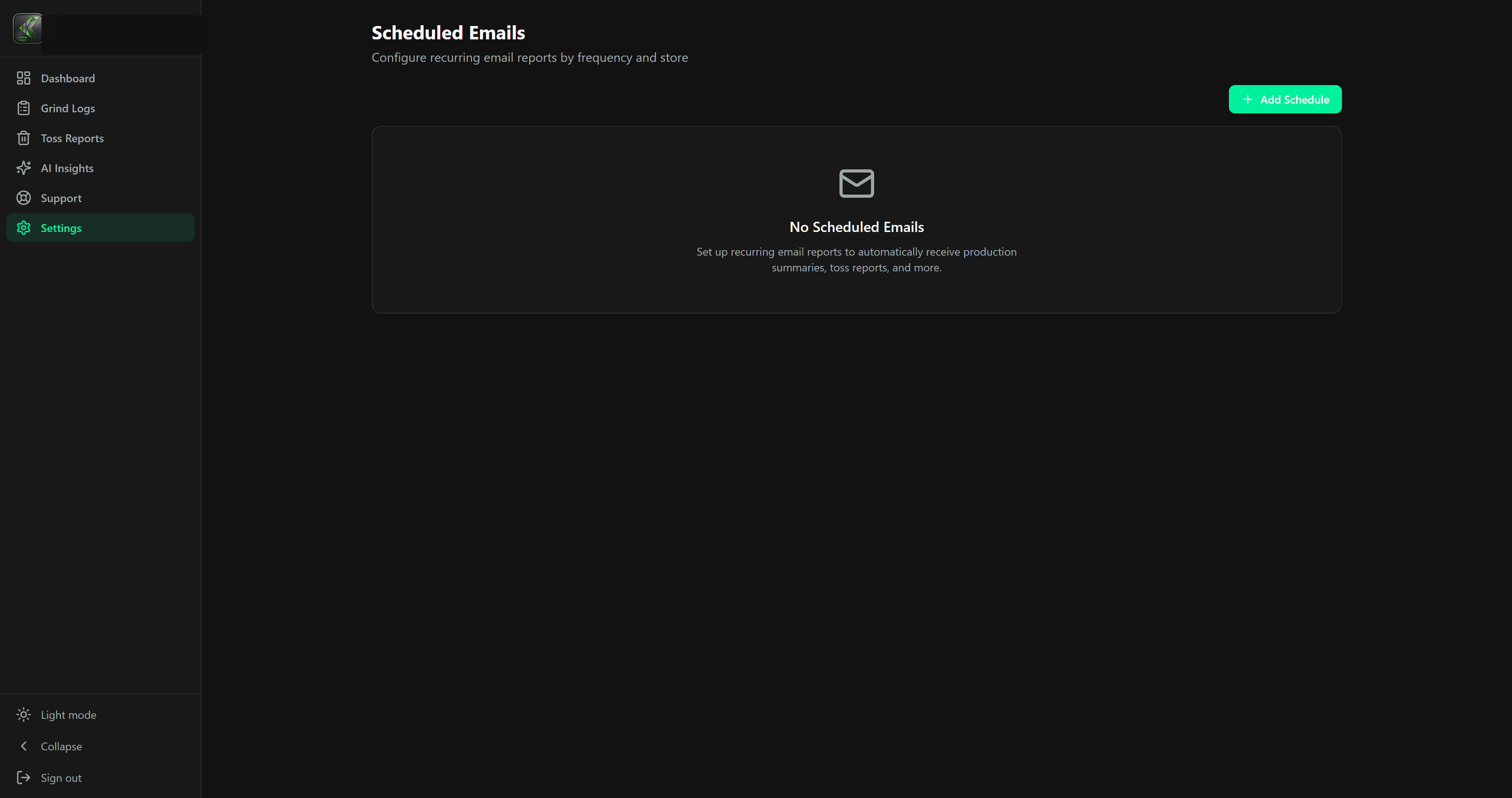
Send daily, weekly, or monthly production and toss summaries to the people who need them.
Open support tickets, attach context, and keep conversations tied to the customer account.
More product screens
Toss reports, lookup tables, scheduled emails, members, billing, store profiles, support, and insight report settings all sit around the same record system.

See how GrindLogic traces a recall across every store, and shows the margin hiding in the log you already keep.